Standing up a local AI cluster on DGX Spark
/ 2 min read / #ai #llm #inference #homelab #networking
Summary
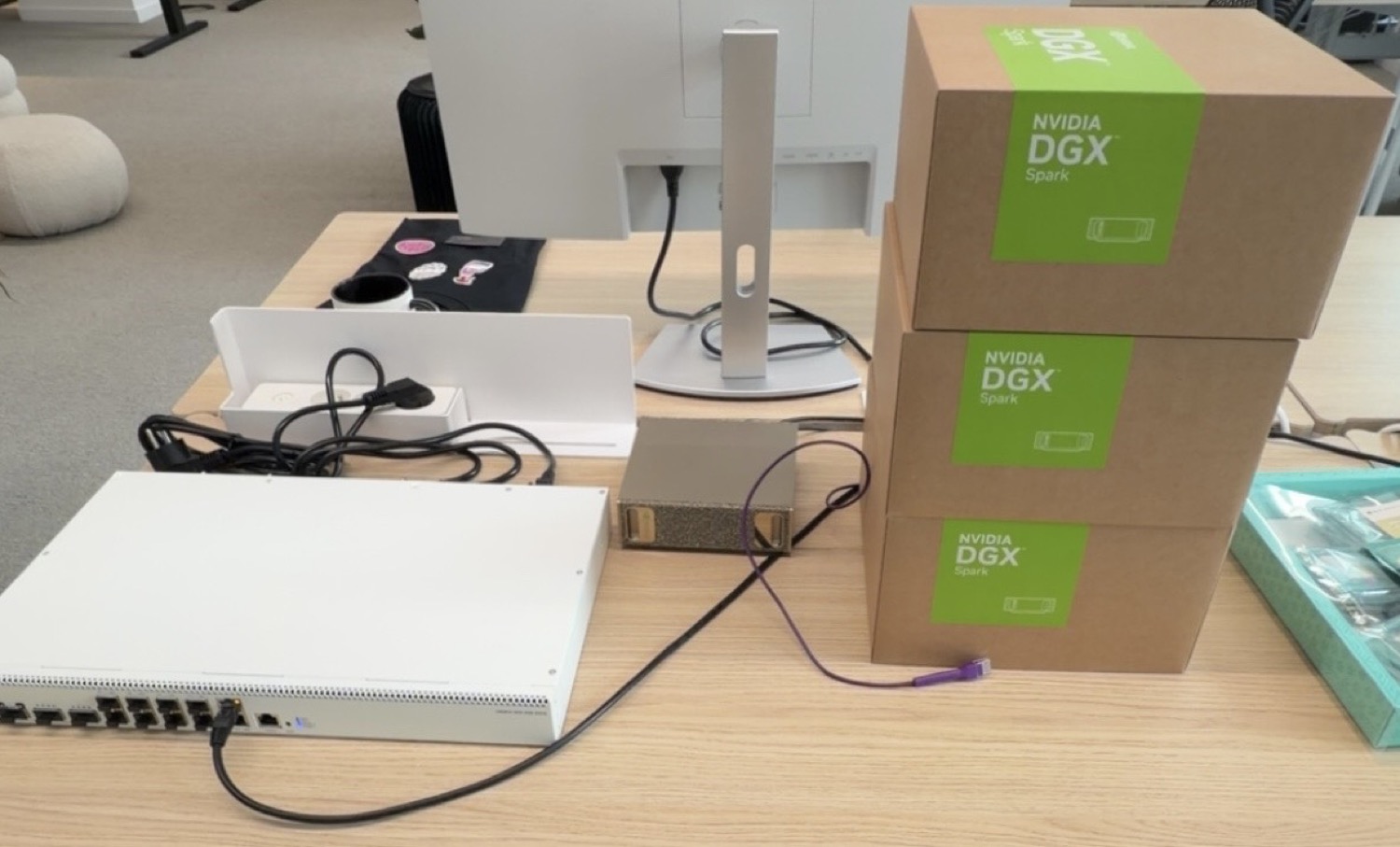
At Symbiotic we secure code. A lot of the code we test on should never go to a cloud API. So I built local AI: models that run only on our own hardware. It became a small cluster of NVIDIA DGX Sparks.
Why local
A cloud model is the easy choice until the data is the problem. Our research has to run where the weights and the traffic never leave the building. That means owning the inference. I wanted to run it all in house and understand every layer, not just call an API.
Every serving stack
I ran the main serving engines on our own workloads and compared them: vLLM, SGLang, Ollama, llama.cpp, and LiteLLM as the gateway in front of them.
There is no single winner. It depends on the model. Some run faster on SGLang, others on vLLM. Throughput, latency and memory use all shift with the model and the context length. The only way to know is to test each one.
My own inference engine
To really understand it, I wrote a small inference engine myself. Not to beat vLLM, just to stop treating it as magic. I built it in Rust with CUDA tiles, then dropped down to native CUDA directly to see the real cost of each step.
The lesson is the KV cache. Keys and values are stored per token. Memory grows with sequence length and batch size. Paging and eviction keep it bounded. Do it badly and you spend all your time moving memory around. After managing one by hand, the design of every real engine makes sense.
Linking the Sparks
Each DGX Spark has 128 GB of unified memory. That sounds like a lot until you load a big model with a long context. To go further I linked the Sparks together so a model could span several boxes.
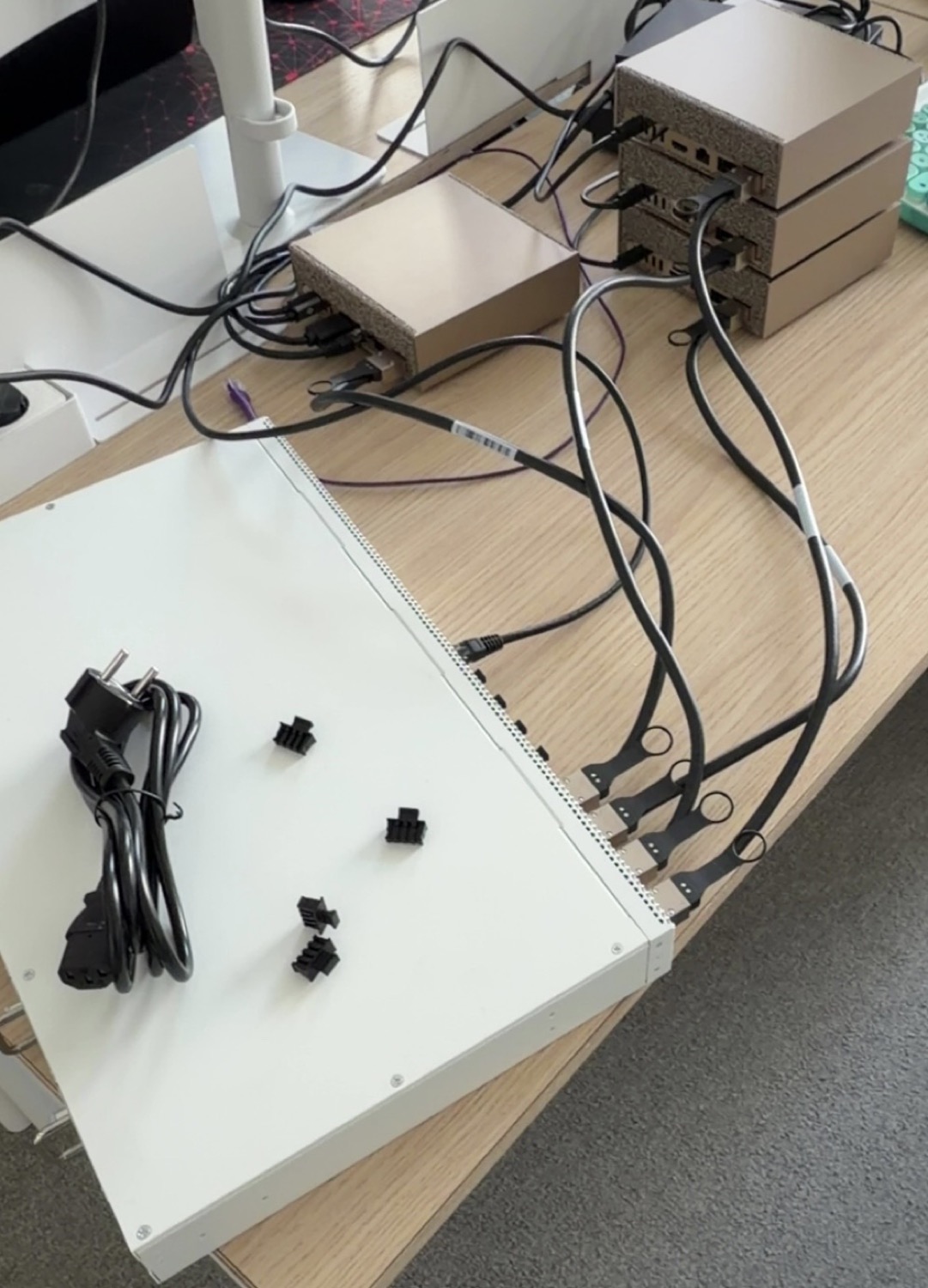
Here is the trap. The DGX Spark has no OOM killer by default. Push the memory too far and the box just dies. It stays powered on but nothing responds, so the only fix is to unplug it and plug it back in. So I learned to write my own OOM killer: watch the memory and kill the process before the box locks up.
The network
Linking GPUs is also a networking job. The switch in the photos is a MikroTik running RouterOS, which I had never used. I learned the basics to drive it: bring up the links between the nodes, set up VLANs, and put the cluster on its own isolated network. The machines exist to keep sensitive data contained, so the segmentation is the point.