Sangaku: a handwriting coach for the Swift Student Challenge
/ 4 min read / #swift #apple #on-device-ai #vision #pencilkit
Summary
Sangaku is the app I built for the Apple Swift Student Challenge 2026, and it was selected among the winners. It is a Swift Playgrounds app for iPad that teaches handwriting with the Apple Pencil. You write English words on a canvas, and the app judges not only whether the word is correct but how well it was drawn, then builds an adaptive curriculum around your weak points. Everything runs on device, with no network and no third-party dependencies.
The idea
Most handwriting apps are quizzes. You trace a shape, it says right or wrong, you move on. That misses the point of handwriting, which is a physical skill. A good teacher watches your hand, not just the result on the page. I wanted an app that does the same, a coach that sees the pressure, the speed and the shape of each stroke and gives feedback a quiz never could.
The name comes from sangaku, the wooden tablets of geometry problems once hung in Japanese temples, which fit the app's warm paper look.
How it works
The core loop is a small pipeline.
- Diagnostic. You write a pangram once. The app scores every letter from A to Z and derives which characters are weakest, seeding a memory model.
- Adaptive lessons. From that profile it interleaves tracing drills and word lessons, spending more time on the letters you struggle with.
- Recognition. Word lessons run the drawing through handwriting recognition. On the newest iOS this works directly on the strokes, and otherwise it renders the drawing to an image and reads it back with the Vision framework.
- Scoring. Tracing lessons skip text recognition entirely. Instead the score is mostly stroke health plus a measure of how smooth the line is.
- Memory. Results feed an SM-2 spaced repetition model with a running mastery estimate, so words come back for review exactly when you are about to forget them.
Watching the hand, not just the page
The part I am proudest of is stroke health. The Apple Pencil reports pressure and velocity for every point of every stroke. Sangaku reads that stream and infers the biomechanics of your writing. If the pressure is high and the motion is jerky, it recognizes tension and tells you to relax your wrist and slow down. If the flow is steady, it says so. It turns writing practice into something closer to a posture coach than a spelling test.
Alongside that, Apple Vision does two jobs. It reads the text so the app knows what you wrote, and it vectorizes each letter into contour paths that I measure for smoothness and shakiness. Turning the raw drawing back into vectors is what lets the app compare your line against the ideal shape point by point, and it is what lets a tracing drill be graded even when there is no word to recognize. Both the handwriting recognition and the contour detection use the newest revisions of the Vision requests, so the analysis is sharper than the older APIs allowed.
On-device Apple Intelligence
Sangaku leans on Apple's newest on-device intelligence, the Foundation Models introduced with Apple Intelligence, for the parts that benefit from language. There are three of them, each with a hard timeout and a static fallback so the lesson never stalls waiting on generation.
- Coaching tips. For a specific letter it writes a short, targeted tip. On the newest iOS it attaches a snapshot of your actual drawing to the prompt, so the advice is about the strokes you just made, not a generic hint.
- Themed lesson packs. Ask for a theme, say space or the ocean, and it generates a matching set of words to practice, sanitized down to clean letter-only terms.
- Content tagging. When you add your own words, it tags them into the right practice category.
All of this runs locally. Nothing you write leaves the iPad, which for a kid's learning app is the right default. Where text is machine-generated, the app labels it with a small "ON-DEVICE" caption rather than pretending a human wrote it.
Craft
I wanted the app to feel like a considered Apple app, not a demo.
- Zero dependencies. Apple frameworks only, SwiftUI, PencilKit, Vision, Core Haptics, Foundation Models and Metal.
- Touch and feel. Core Haptics gives a distinct pulse on success and error, so progress is something you feel.
- Look. A warm identity on cream paper, SF Rounded for the interface and a calligraphic serif reserved only for the letter you are tracing, with a Metal wood shader behind it and Liquid Glass on the floating canvas controls.
- Offline and private. No accounts, no network, all progress stored locally.
- Architecture. Clean, strictly layered, so the recognition and AI pieces sit behind small protocol seams that swap implementations by iOS version.
What I presented to Apple
For the submission I showed the full loop live. The diagnostic that finds your weak letters, a word lesson where the pressure feedback fires in real time as I write, the on-device tip reacting to my own strokes, and the spaced repetition bringing a word back for review. The pitch was simple. Handwriting is a physical skill, so an app should coach the hand, and Apple's newest on-device AI together with Apple Vision, which vectorizes each stroke for analysis, now make that possible without sending a single stroke to a server.
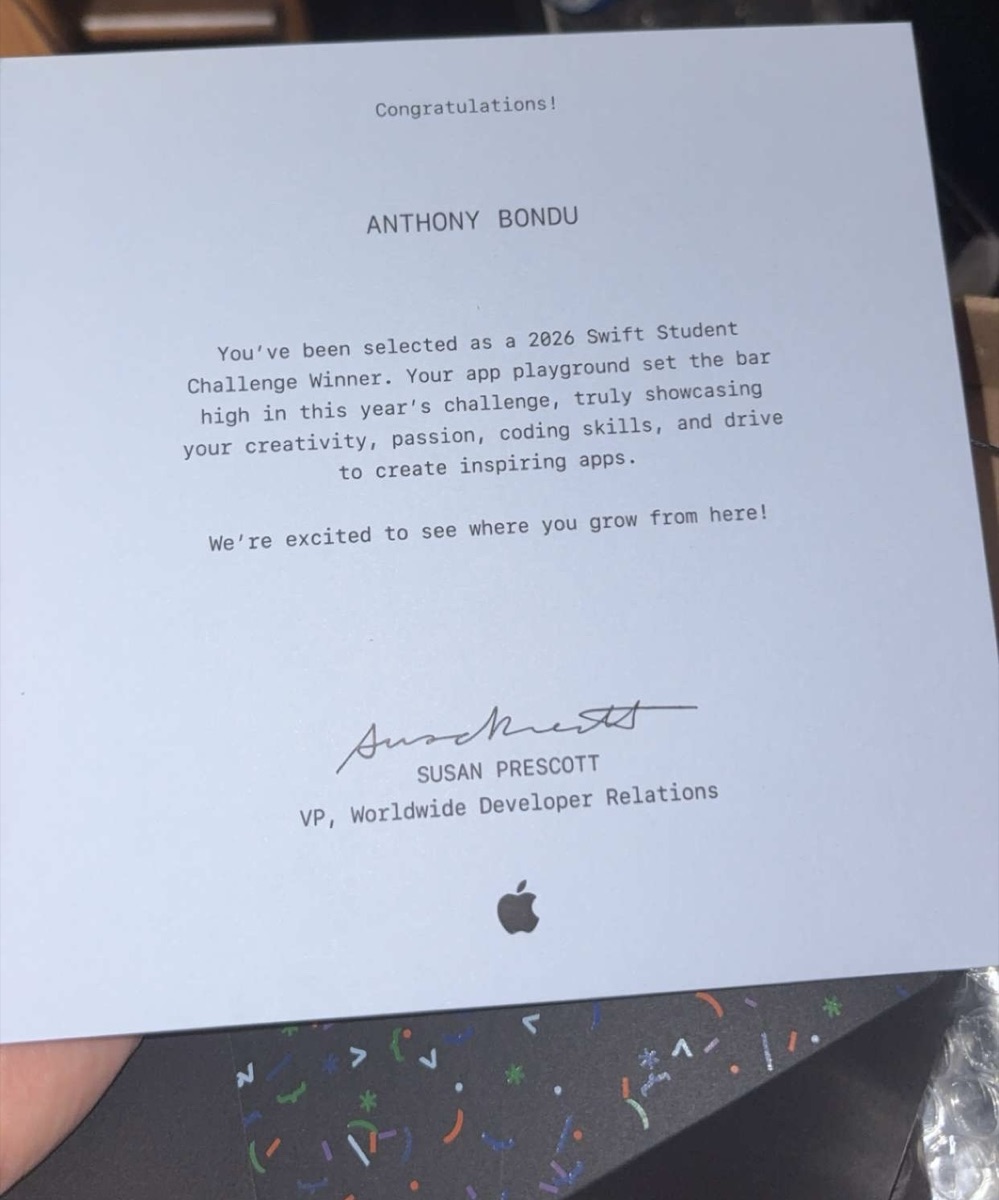
It won a place among the 350 winners of the Swift Student Challenge 2026, and Apple sent a signed certificate and a pair of AirPods Max.